Discover the best bingo casinos UK 2026 with our expert guide. Compare top sites, bonuses, mobile apps, and no-deposit offers. Bet365, Mecca, Tombola, and more reviewed. read our guide to the best bingo casinos


How to Design a Custom T-Shirt You’ll Actually Want to Wear: 7 Rules to Check Before You Order
A custom t-shirt is easy to order and surprisingly easy to get wrong. Most people don’t realize their design has a problem until the shirt actually arrives, and by then, it’s too late to fix.
The good news is that the difference between a shirt someone wears for years and one that ends up at the back of a drawer usually comes down to a handful of small, avoidable choices. It’s rarely about the idea itself. It’s almost always about a detail that got overlooked before the order was placed.
At Printify Gifts, this pattern shows up constantly. A design looks great on screen, gets approved, and gets printed, but something about the final product just doesn’t hold up the way it did in the mockup.
This guide breaks down exactly what causes that gap, and more importantly, how to catch it before you order. No design background required. Just seven practical checks that make the difference between a shirt people actually wear and one that doesn’t survive its first wash.
Why So Many Custom T-Shirt Designs End Up in the Back of the Closet
Most disappointing t-shirts don’t fail because the idea was boring. They fail because of small technical details nobody thought to check.
A blurry graphic. Too many competing colors. A font that looked crisp on a laptop screen but turns to mush once it’s actually printed.
None of these problems require a design degree to catch. They just require knowing what to look for before you hit “order,” which is exactly what the next section walks through.
How to Design a Custom T-Shirt: The Basics Before You Start
Designing a custom t-shirt comes down to four simple stages: choosing your idea, picking colors and fonts, checking how the design looks on real fabric, and confirming the right print method.
Most design problems trace back to one of these stages being rushed or skipped entirely. It’s rarely the idea itself that’s the issue, it’s a step that got overlooked along the way.
Understanding this basic flow makes the next section easier to follow. Each of the seven rules below maps directly onto one of these four stages, so you’ll always know exactly where in the process a mistake is likely to happen.
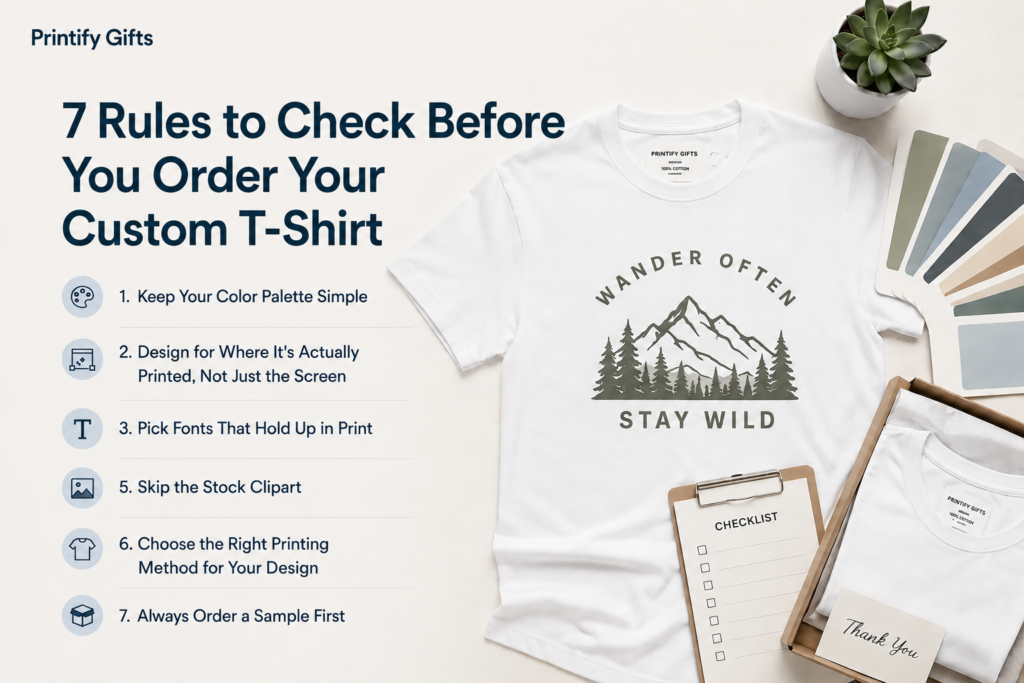
7 Rules to Check Before You Order Your Custom T-Shirt
1. Keep Your Color Palette Simple
More colors don’t make a better design, usually the opposite is true. Two or three colors, chosen with intention, almost always look more polished than five or six competing for attention.
Pick one dominant color, one accent, and a neutral like white or black to balance it out. If you can’t explain why a color is in your design, take it out.
This single habit alone fixes a huge share of amateur-looking designs.
2. Design for Where It’s Actually Printed, Not Just the Screen
A design can look perfect on your monitor and still print poorly. Screens display light differently than ink sits on fabric.
Before finalizing anything, check your file at the actual print size, not zoomed in on a screen. Print it on plain paper at full size and hold it up against a shirt. If something feels off in person, it will feel off on fabric too.
This one check catches more problems than anything else on this list.
3. Pick Fonts That Hold Up in Print
Thin, delicate script fonts look elegant in a digital mockup. Printed small on fabric, they often blur into an unreadable smudge.
Stick to fonts with clean, bold strokes if your design includes any text. When in doubt, bigger and simpler wins.
Limit yourself to one or two fonts per design. Mixing three or more styles usually reads as cluttered rather than creative.
4. Match Your Colors to the Fabric
This is one of the most overlooked steps in custom t-shirt design. A pale yellow design on a white shirt will barely show up. The same design on navy or black will pop instantly.
Before you finalize colors, picture the design sitting on the exact shirt color you’re ordering, not a blank white canvas.
This rule matters even more for darker garments, where light ink colors need a stronger base to stay vibrant instead of fading into the fabric.
5. Skip the Stock Clipart
Generic clipart is the fastest way to make a design look mass-produced instead of personal. It’s fine as a placeholder while you’re brainstorming, but swap it out before ordering.
A simple hand-drawn element, a custom illustration, or even a well-placed photo will always feel more original than a downloaded graphic everyone has seen before.
6. Choose the Right Printing Method for Your Design
Not every design suits every printing technique. Detailed, colorful artwork usually needs a method built for fine detail. Bold, simple logos hold up well with almost any technique.
Before you order your custom t-shirt, ask which printing method actually fits your design, rather than assuming one method works for everything.
If you’re working with a photo or gradient-heavy design, this step matters even more, since not every printing method captures fine detail the same way.
7. Always Order a Sample First
This is the rule people skip most often, and it’s the one that saves the most regret. A sample shows you exactly how your design behaves on real fabric, under real lighting, at real size. If something looks off, you catch it before ordering in bulk, not after.
Even one sample shirt can save you from an entire batch of shirts nobody wants to wear.
Custom T-Shirt Ideas for Every Occasion and Style
Once you’ve got the fundamentals down, the fun part is figuring out what to actually create. A few directions worth exploring:
- Polo t shirt custom design — a great option when you want something a step more polished than a plain tee, ideal for teams, small businesses, or golf outings.
- Custom shirt with picture and text — combining a photo with a short phrase is one of the most popular formats for personalized gifts, especially for family or memorial shirts.
- Creative tees design ideas — think beyond text. Illustrations, minimalist icons, or an inside joke rendered as art tend to age better than trendy slogans.
- Christmas t shirt design — bold, festive colors work well here, but keep the design simple so it doesn’t feel cluttered under holiday lighting or photos.
- Halloween t shirt design — this is a category where a little humor or a spooky illustration goes a long way, but resist the urge to overcrowd the shirt with too many elements.
- Cancer t shirt designs — these carry real emotional weight, so simplicity and a clear, respectful message matter more than flashy graphics.
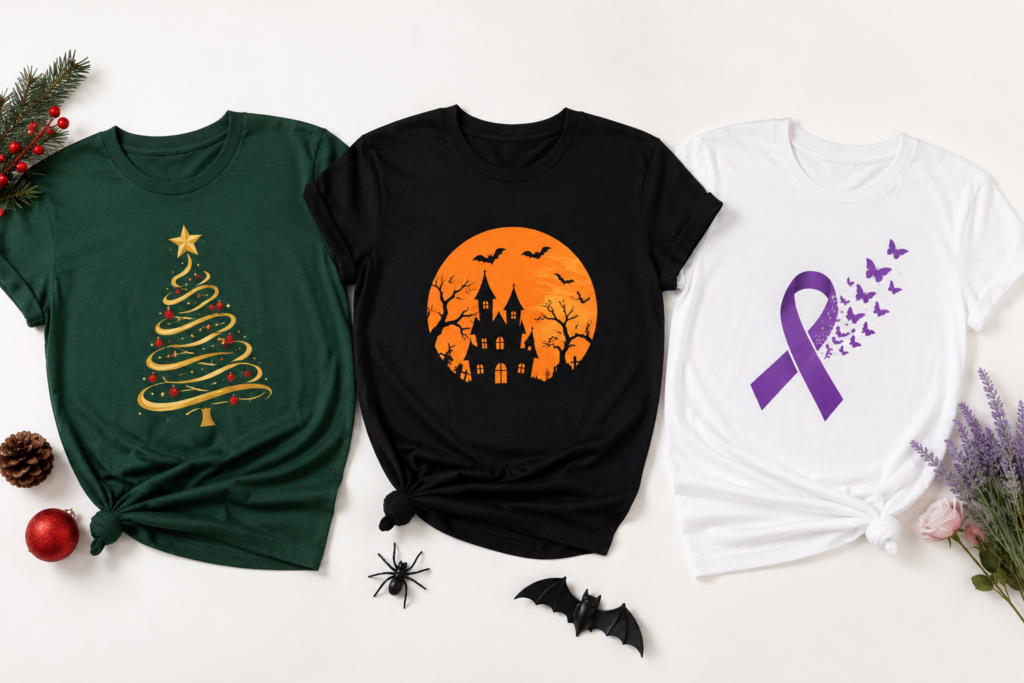
If you’re short on inspiration, browsing seasonal collections is often the fastest way to get unstuck. Looking through curated printify gift ideas for different holidays and occasions can spark a direction faster than starting from a blank page.
Turning a Custom T-Shirt Into a Meaningful Gift
Not every custom t-shirt is made for yourself. A huge share of custom designs are ordered as gifts, and this changes what “good design” actually means. A shirt meant as a gift needs to feel personal, not just visually clean.
This is where Printify personalized gift ideas come in handy as a starting point. Think about what makes a gift memorable: a shared joke, a meaningful date, a nickname, or a photo from a specific memory. These small personal touches matter more than trendy fonts or trending color palettes when the shirt is meant for someone else.
If you want to create your own custom t-shirt as a gift, start with the relationship, not the design software. Ask what the person actually likes to wear day-to-day. A shirt they’ll never put on, no matter how clever the design, isn’t a good gift.
Why Print-on-Demand Makes This Easier Than Ever
Print-on-demand removes the biggest risk in ordering a custom t-shirt: committing to bulk quantities before you know how the design actually looks in real life. You upload your design, it gets printed and shipped per order, and there’s no inventory to manage or unsold stock sitting in a closet.
This approach is especially useful for small businesses, side projects, or anyone testing multiple design ideas before settling on one. It’s one of the simplest ways to design and sell a custom t-shirt without any equipment, upfront cost, or minimum order requirement.
Common Mistakes That Make a Custom T-Shirt Look Cheap
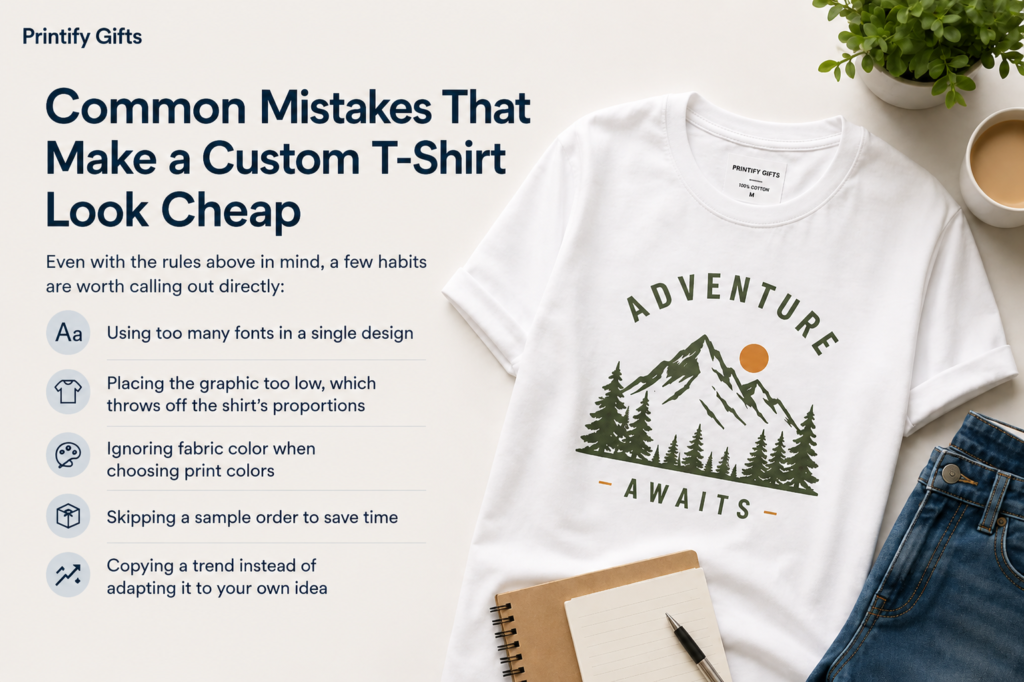
Even with the rules above in mind, a few habits are worth calling out directly:
- Using too many fonts in a single design
- Placing the graphic too low, which throws off the shirt’s proportions
- Ignoring fabric color when choosing print colors
- Skipping a sample order to save time
- Copying a trend instead of adapting it to your own idea
Avoiding these five mistakes alone will put your design ahead of most.
Final Thoughts
Designing a shirt people actually want to wear isn’t about talent or expensive tools. It comes down to a handful of small, deliberate checks: simple colors, readable fonts, fabric-matched design choices, and always testing with a sample before committing. Whether you’re designing something for yourself, a business, or as a gift for someone else, these same seven rules apply every time.
Frequently Asked Questions
How do you create a successful custom t-shirt design?
Keep it simple. Limit your colors, choose fonts that print clearly, and match your design to the fabric color you’re using. Order a sample before committing to a bulk print run.
Can ChatGPT or AI tools help design a t-shirt?
AI tools can generate ideas, taglines, or rough concepts, but they work best as a starting point. Colors, placement, and print-readiness still need manual refinement, since AI-generated art isn’t always optimized for printing.
How do you make a plain t-shirt look more interesting?
Add one strong focal element instead of several small ones. A single bold graphic, a short phrase in a clean font, or subtle color contrast can transform a plain shirt without overcomplicating the design.
What are the most common custom t-shirt design mistakes?
Too many colors, low-resolution graphics, poor placement, and skipping a sample order are the most frequent mistakes that make a unique t-shirt look unfinished or cheap.
What software works best for designing a custom t-shirt?
Canva works well for simple, beginner-friendly designs. For more detailed or layered artwork, Adobe Illustrator or Photoshop offer more control, with a steeper learning curve.
Is making and selling custom t-shirts actually profitable?
It can be, especially with print-on-demand models that remove upfront inventory costs. Profitability depends more on design quality, niche selection, and consistent marketing than on the printing method itself.
Is Canva a good option for t-shirt design?
Yes, particularly for beginners. It offers ready-made templates and an easy drag-and-drop editor, though it has less flexibility than professional design software for highly detailed artwork.
What custom t-shirt design trends are popular right now?
Minimalist line art, single-color designs, retro-inspired typography, and personalized photo-and-text combinations are all popular right now, especially for gift-focused printed t-shirt designs.
There are no reviews yet.